
A digital wedding card that opens like the printed one
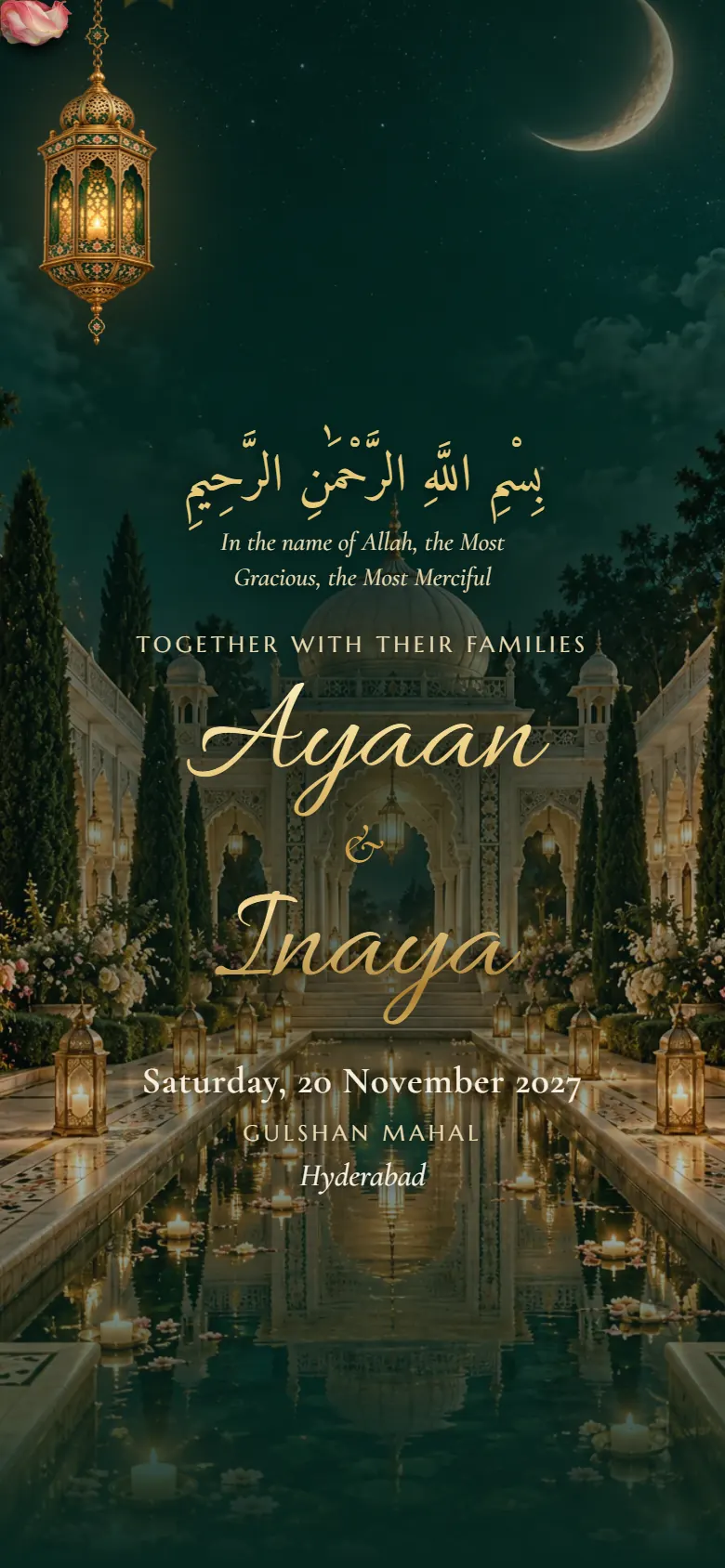
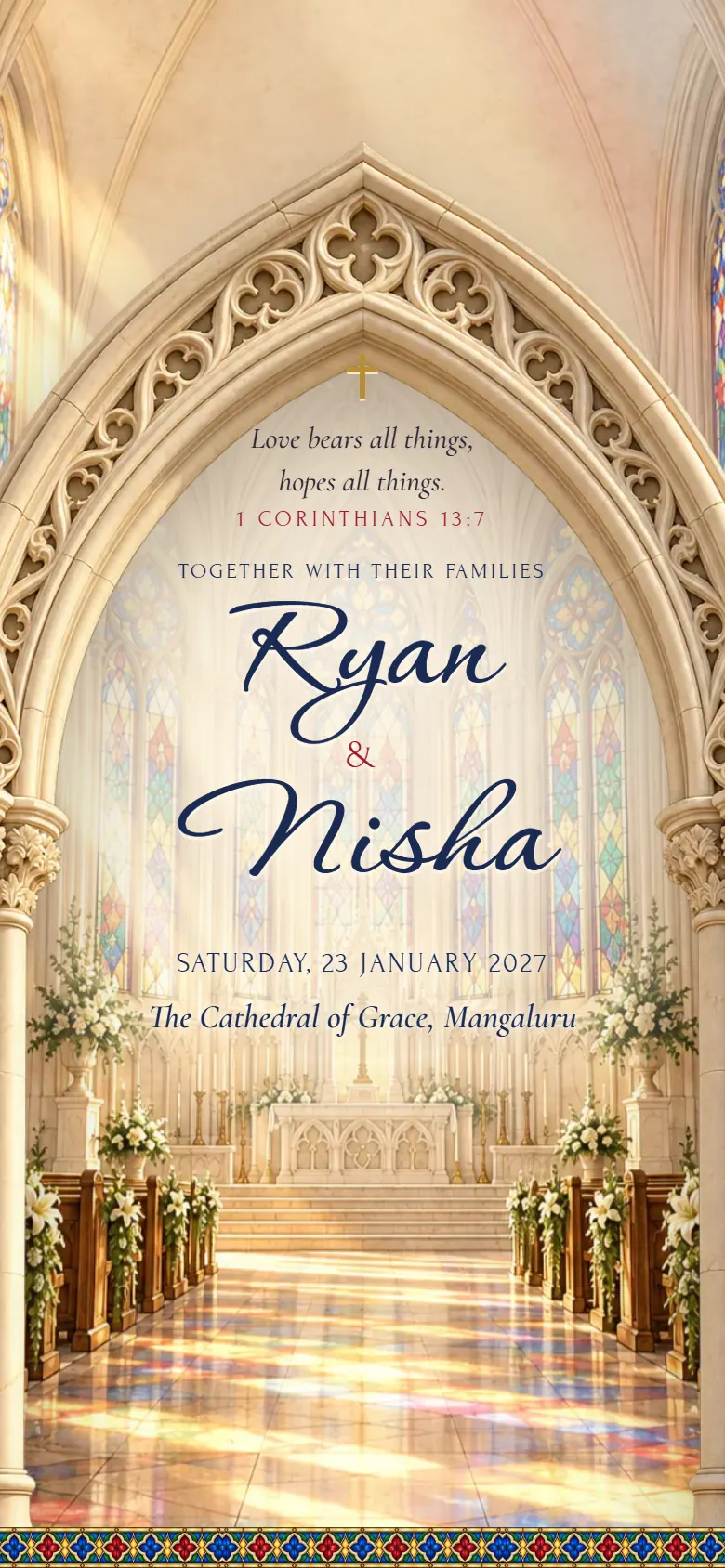
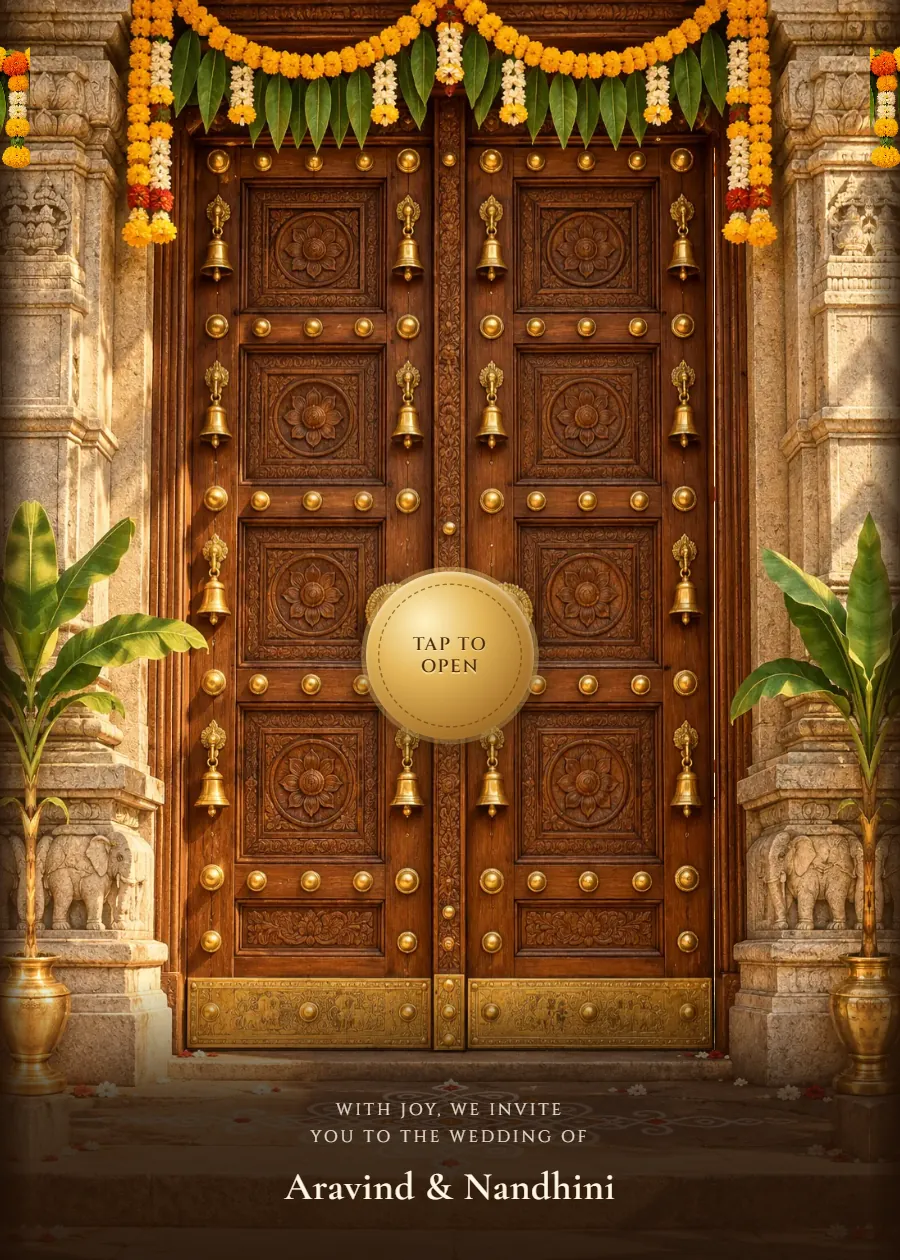
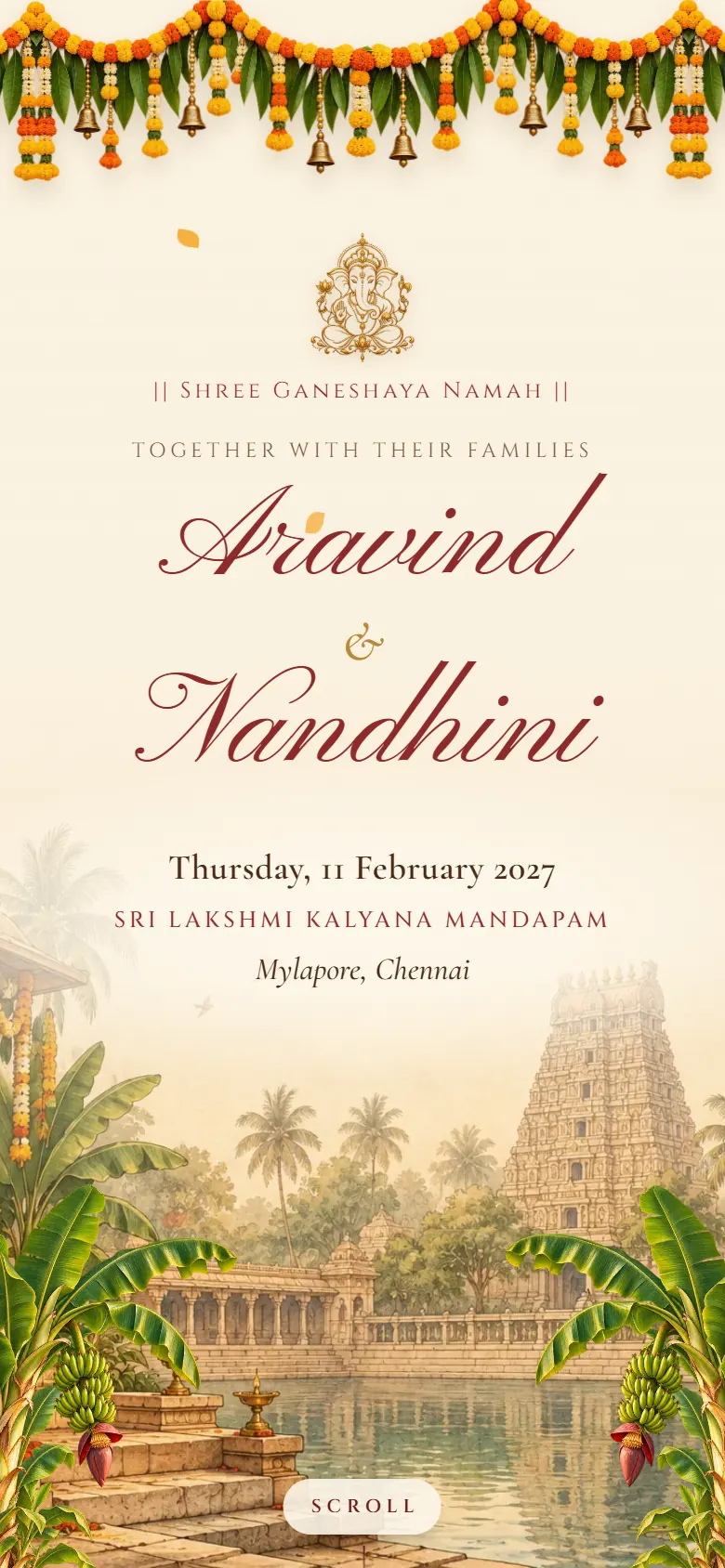
A PDF is a scanned card: zoom, scroll, squint at the address. A video plays once and that's it. These designs open with a moment (temple doors, a velvet curtain, a pop-up book), then show the details guests come back to.
, paid once. Make it and preview it free; you pay only when you publish.
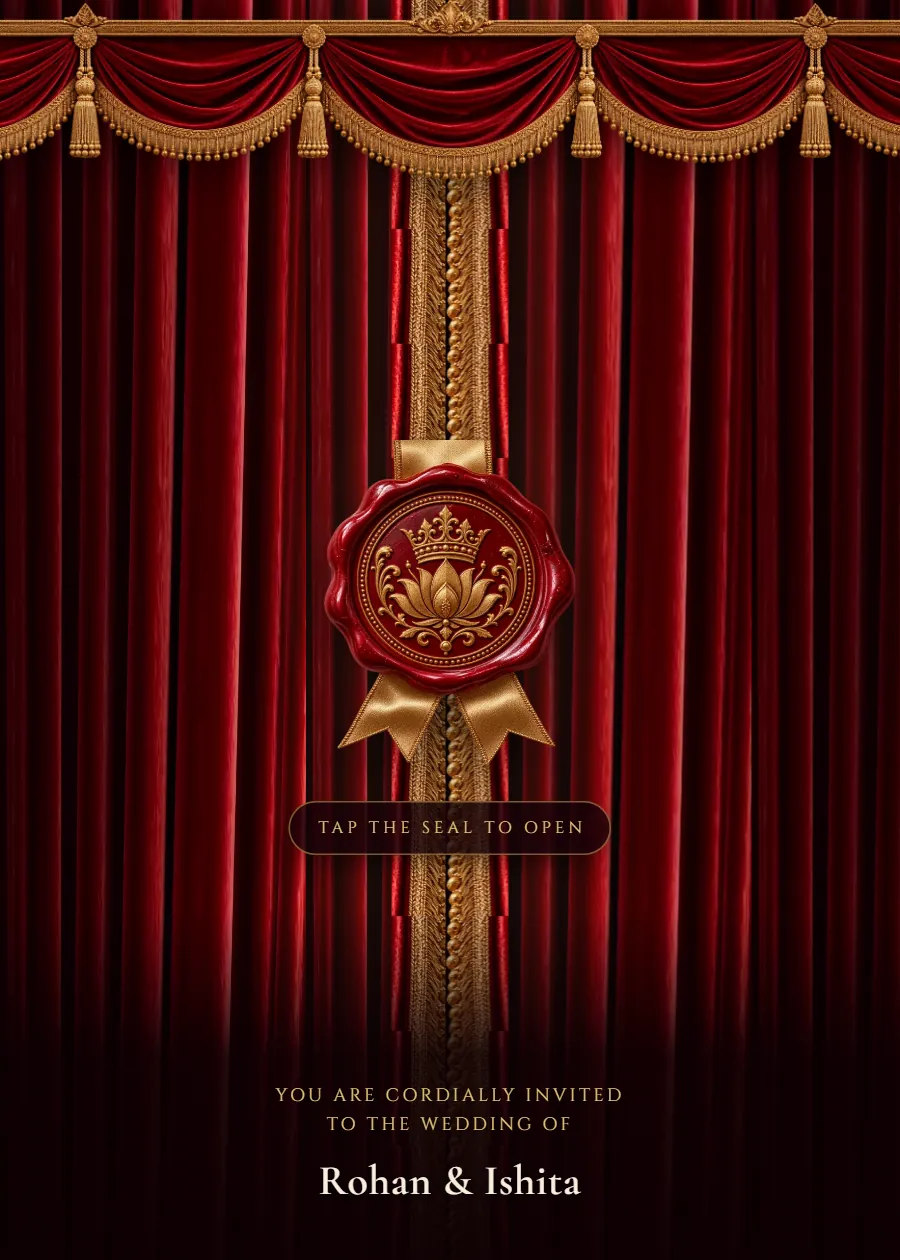
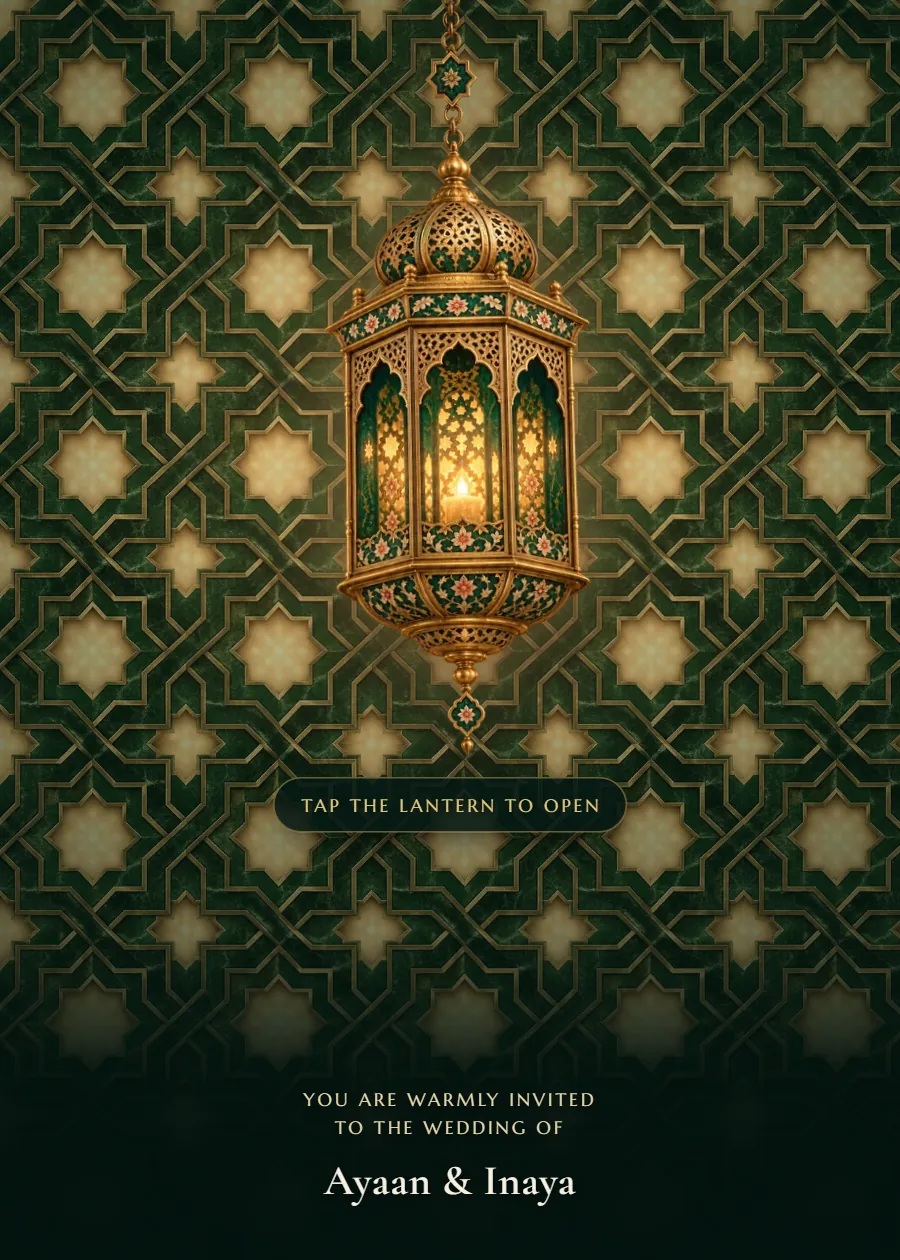
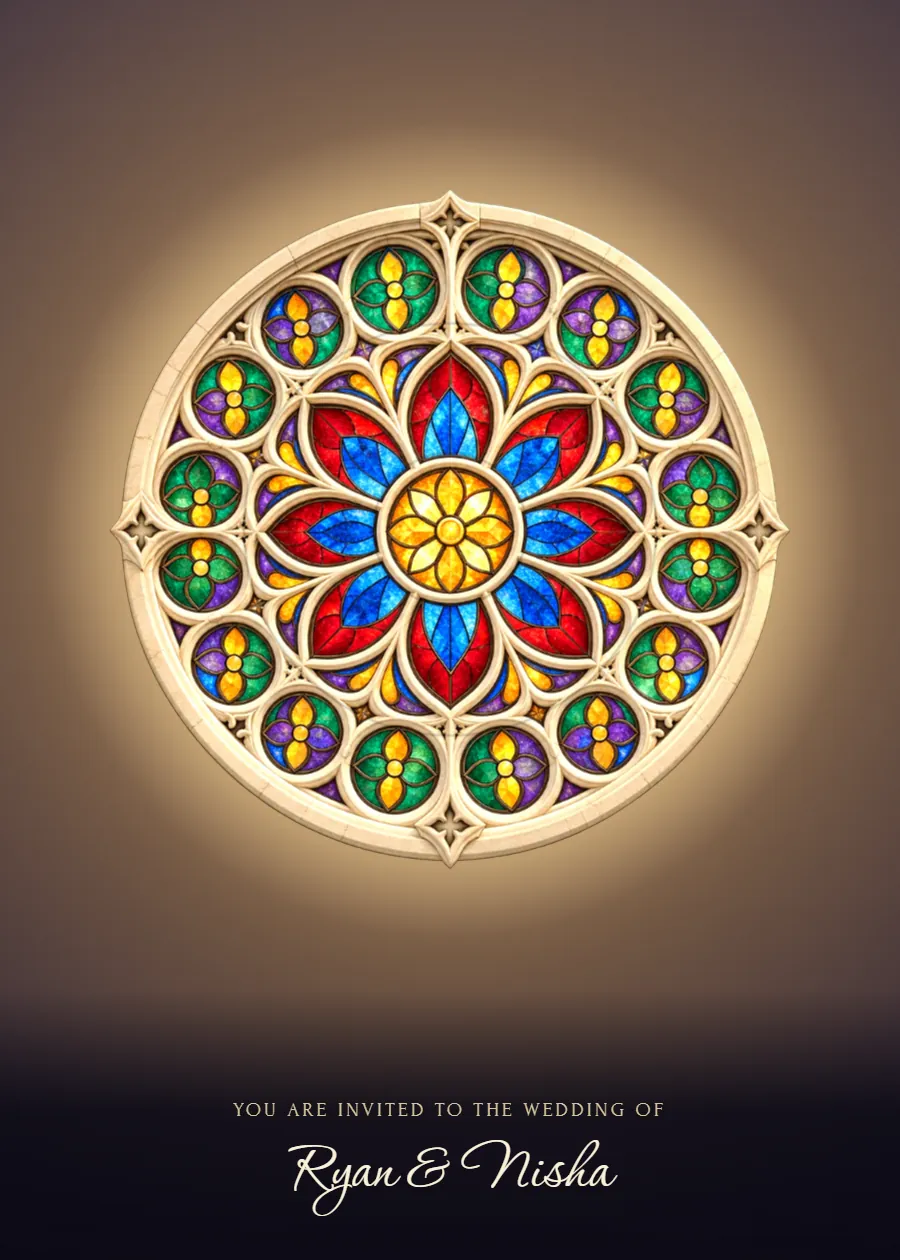
- Still printing a few cards?
- Every invitation has a QR code. Print it on the cards for the elders, and their phone camera opens the same invitation, with the maps and the countdown.
- Your song
- Keep the design's own track, upload your own (up to 10 MB), or switch music off. It starts only when the guest taps to open.
PDF, video or link
| What you need | PDF card | Video | InviteNest link |
|---|---|---|---|
| Change a time after sending | No | No | Yes |
| Map for each venue | No | No | One tap |
| Guests reply on it | No | No | Yes, per function |
| Size on WhatsApp | 2 to 10 MB | 20 to 60 MB | A link |
Designs that fit
All designs →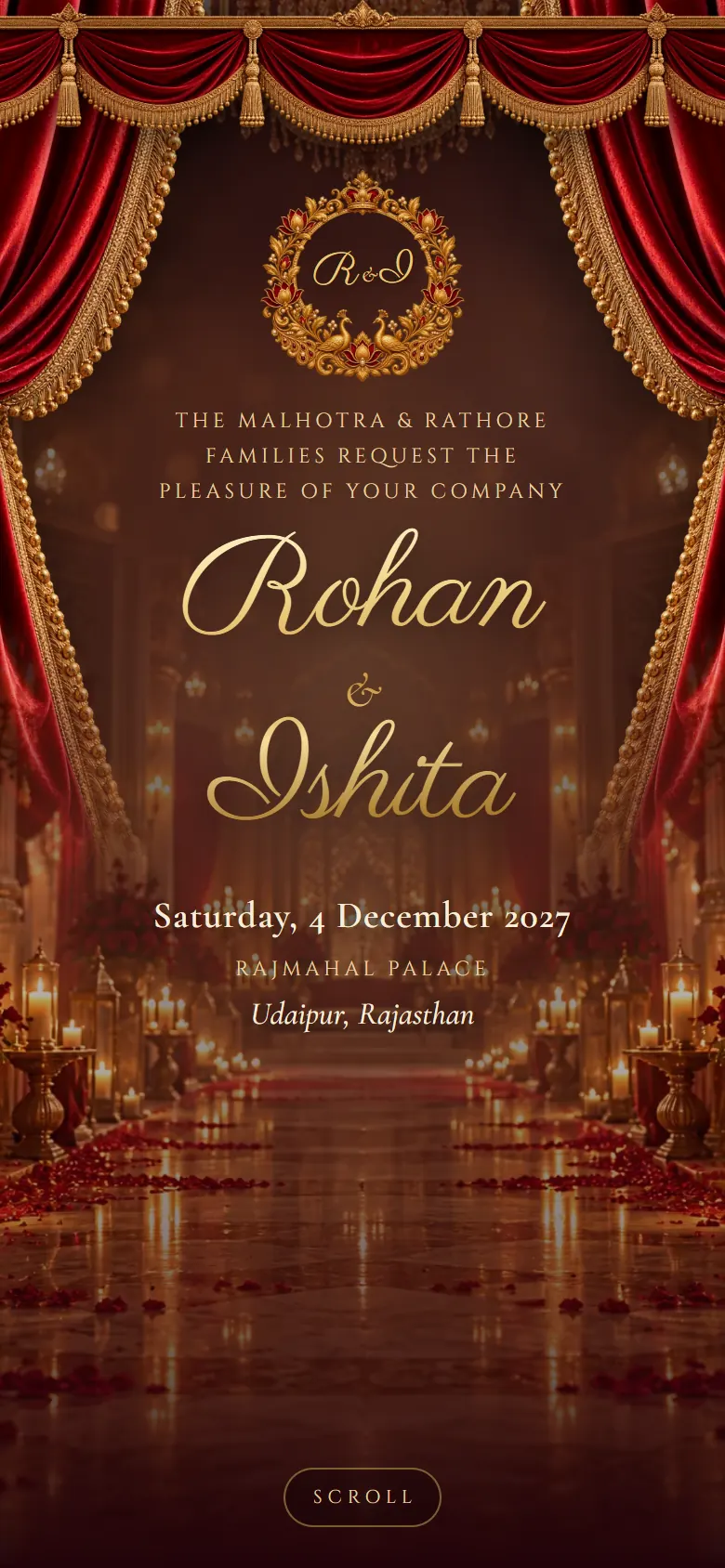
How it works
- Pick a designOpen any design with your own names before you sign up.
- Fill in your weddingFunctions, venues, photos and music, with a phone preview as you type.
- Publish and shareChoose your link, pay once and send it on WhatsApp.
In every invitation
- Countdown to the ceremony
- Couple and family section with parents' names
- A card for every function, with date, time and venue map
- Photo gallery
- Livestream and custom links
- RSVP for each function, with a spreadsheet download
- WhatsApp link preview showing your names and photo
- QR code for printed inserts
Questions couples ask.
Something else on your mind? Ask us
No. It's made to open as a link, so it can keep the music, the maps and the replies. For printed cards, use its QR code.
Yes. Upload an MP3 of up to 10 MB, keep the design's track, or have no music at all. If you upload one, you confirm you have the right to use it.
Yes. Older and slower phones get a lighter version of the opening, and the details read the same on every screen.