
Know your reception head count before the caterer asks
The caterer needs a number by Thursday. "Probably 400" costs you money if 280 come. Every reply here says who is coming and how many, and you choose the most each reply can bring, from 1 to 20.
, paid once. Make it and preview it free; you pay only when you publish.


- Just the reception?
- Call the main event "Reception" and leave the other functions out. The countdown, the map and the replies all follow it.
- A count you can share
- Download the replies as a spreadsheet that opens in Excel or Google Sheets, and forward it to the caterer as it is.
Designs that fit
All designs →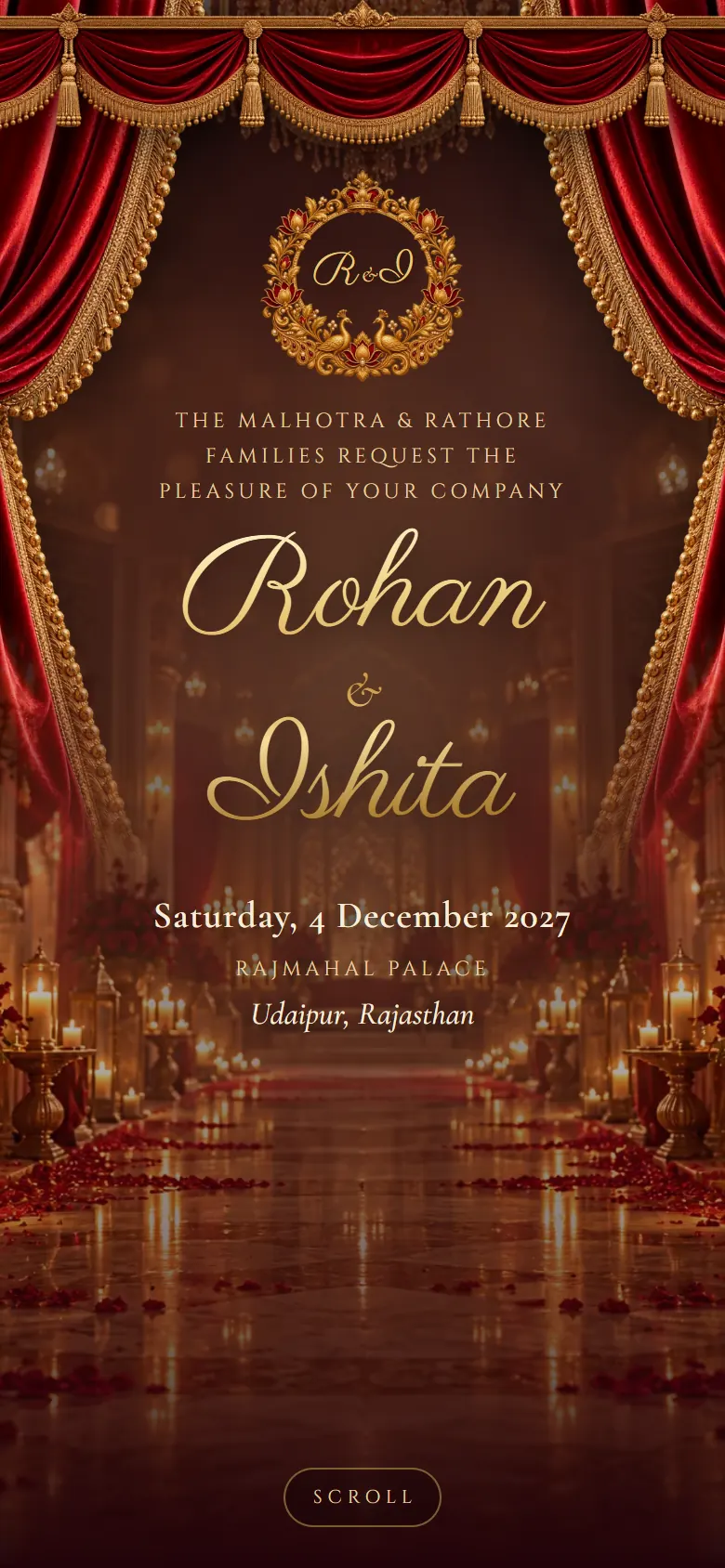


How it works
- Pick a designOpen any design with your own names before you sign up.
- Fill in your weddingFunctions, venues, photos and music, with a phone preview as you type.
- Publish and shareChoose your link, pay once and send it on WhatsApp.
In every invitation
- Countdown to the ceremony
- Couple and family section with parents' names
- A card for every function, with date, time and venue map
- Photo gallery
- Livestream and custom links
- RSVP for each function, with a spreadsheet download
- WhatsApp link preview showing your names and photo
- QR code for printed inserts
Questions couples ask.
Something else on your mind? Ask us
One invitation shows the same functions to everyone. For a reception-only guest list, make a second invitation with just the reception. It's priced the same as the first.
Yes. Set the most people one reply can bring, anywhere from 1 to 20. Guests can't choose more.
Yes, at any time, as a spreadsheet with each guest's name, side, phone and how many are coming.